
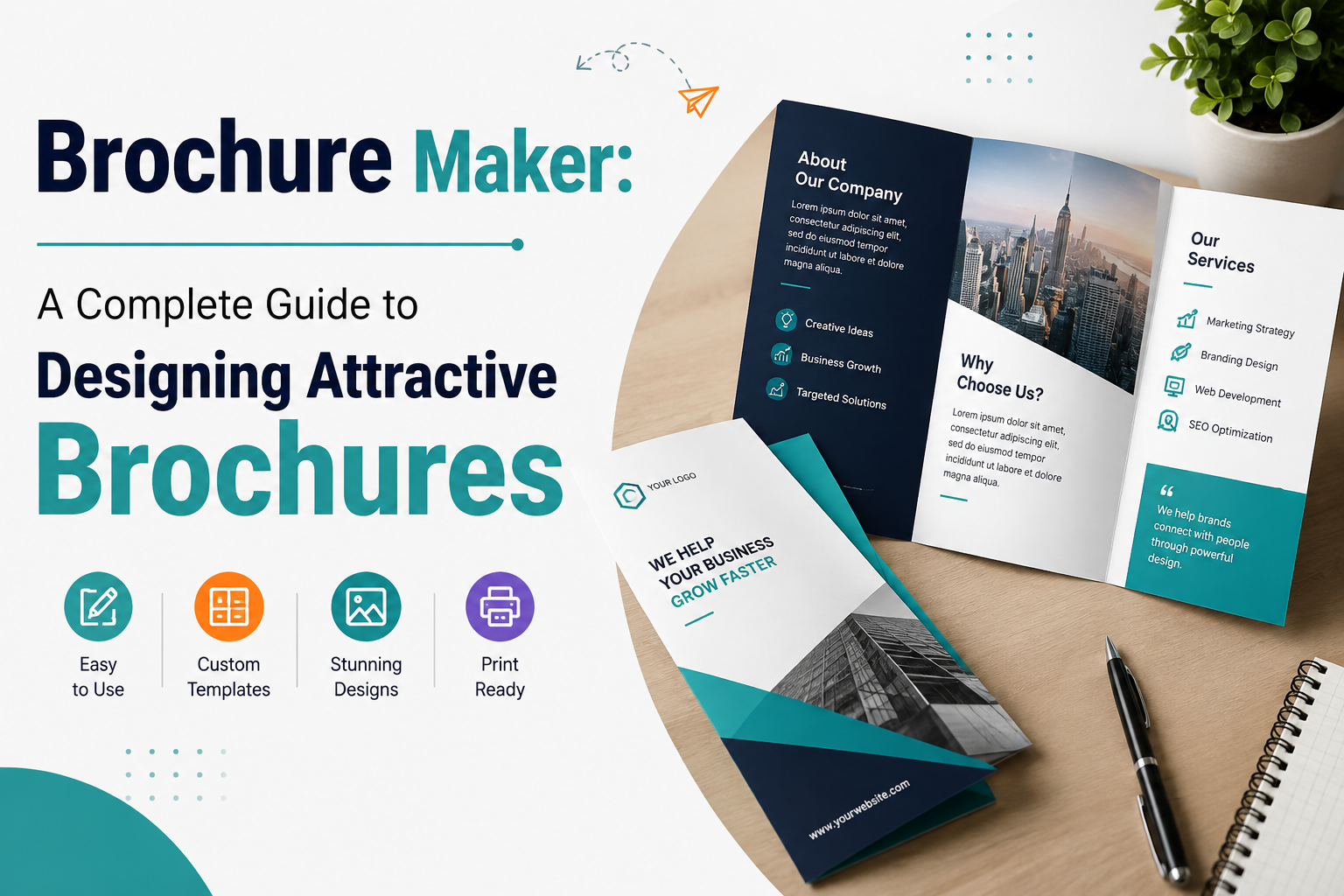
Brochures are one of the most practical ways to share information about a business, product, service, event, or organization. They combine text, images, colors, and organized layouts to communicate a message in a compact and appealing format. Although digital advertising has become increasingly popular, brochures continue to be useful because they can be printed, handed directly to customers, displayed at events, or shared electronically.
Understand the Purpose of Your Brochure
Before beginning the design process, determine exactly what you want your brochure to achieve. A brochure might promote a new product, explain a service, advertise an event, introduce a company, or provide educational information.
Having one clear purpose helps you decide which information should be included. Avoid adding unrelated details simply because there is available space. Every section should contribute to the main message.
Identify Your Target Audience
Understanding your audience is another important part of brochure design. Consider who will read the brochure and what information they expect to find.
For example, a brochure for a professional company may require a clean and formal appearance, while one for a family event can use more colorful and creative elements. Choosing suitable language and visuals makes the brochure more relevant to its readers.
Select a Suitable Format
Brochures come in various formats, including single-page, bi-fold, tri-fold, and multi-page designs. The best choice depends on the amount of information you need to present.
A tri-fold brochure is useful when information needs to be divided into several sections while keeping the document compact. A multi-page brochure may be better for companies that need to explain multiple products, services, or features.
Think about where and how the brochure will be distributed before selecting its size and format.
Create a Clear Layout
A good layout makes information easy to scan. Avoid placing too much text or too many images on one page. Instead, divide the content into logical sections using headings and subheadings.
White space is also valuable. Empty areas help separate different elements and prevent the design from appearing crowded. Readers should be able to identify the most important information without searching through a complicated layout.
A brochure maker can simplify this process by providing templates and editing features that help users arrange text, images, colors, and other elements efficiently.
Choose High-Quality Images
Images can immediately attract attention and make a brochure more engaging. Select photographs or graphics that directly relate to your message.
If you are promoting a product, use clear images that show its important features. If you are promoting a destination or event, attractive photographs can help readers understand what they can expect.
Avoid using low-quality or unrelated images because they can make an otherwise professional brochure look less trustworthy.
Use Colors and Fonts Carefully
Colors should complement your brand and create a consistent visual identity. Choose a small number of colors that work well together instead of using too many shades.
Fonts should be easy to read. Use a strong font style for headings and a simple typeface for body text. Maintaining consistent typography throughout the brochure creates a more polished appearance.
Good contrast between text and background is especially important because poor contrast can make information difficult to read.
Write Concise and Useful Content
The written content should provide valuable information without unnecessary detail. Start with an engaging headline that tells readers what the brochure is about.
Use short paragraphs, bullet points, and clear headings to make information easier to understand. Highlight important benefits, features, services, prices, or other details that your audience needs.
A strong call to action should also be included. Tell readers what they should do next, such as visiting a website, calling a business, making an appointment, or requesting additional information.
Review Before Printing or Sharing
Always proofread your brochure before publishing it. Check spelling, grammar, dates, prices, addresses, phone numbers, and website information.
Review the overall design as well. Make sure images are sharp, text is properly aligned, and important information is easy to find. If the brochure will be printed, confirm the page size, margins, and image resolution.
Conclusion
Creating an effective brochure requires careful planning and attention to detail. A clear purpose, appropriate format, attractive visuals, readable typography, and concise content can transform a simple document into a powerful communication tool.
Whether you are promoting a business, advertising an event, presenting products, or sharing useful information, a professionally designed brochure can help you connect with your audience and leave a positive impression. The most successful brochures keep the reader’s needs at the center while presenting information in a simple, attractive, and organized way.